


PM-AD04
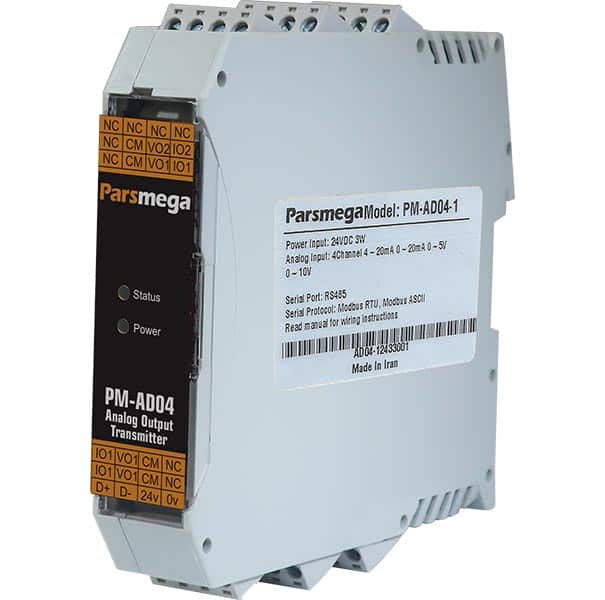
4 independent analogue output channels
 RS485 communication
 Modbus RTU communication
 Isolation
 Analogue output


For example, PM-LT12 or load cell transmitter
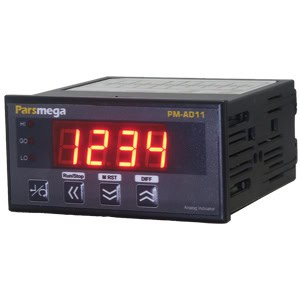
PM-AD11R
The PM-AD11R accepts standard analogue inputs of 0–10 V, 0–5 V, 0–20 mA and 4–20 mA, as well as a resistive linear position sensor. It displays the measurement, sends data over RS485 Modbus and provides three relay outputs for control or alarms. The PM-AD11R has no analogue output. The family is available with a 24 V DC or 220 V AC supply, selected when ordering.
RS485 communication Relay output
 Analogue input
 18-month warranty
The PM-AD11R accepts and displays 0–10 V, 0–5 V, 0–20 mA and 4–20 mA inputs and resistive linear position sensors, like the other models in this family. The measured value is available over RS485 Modbus, and three relay outputs can be used for process control or alarms. The PM-AD11R has no analogue output. Select the 24 V DC or 220 V AC supply version when ordering.
All three PM-AD11 family models accept standard 0–10 V, 0–5 V, 0–20 mA and 4–20 mA inputs, as well as a resistive linear position sensor. Display, input scaling, RS485/Modbus communication and the choice of 24 V DC or 220 V AC supply (selected when ordering) are shared. The models differ in their outputs:
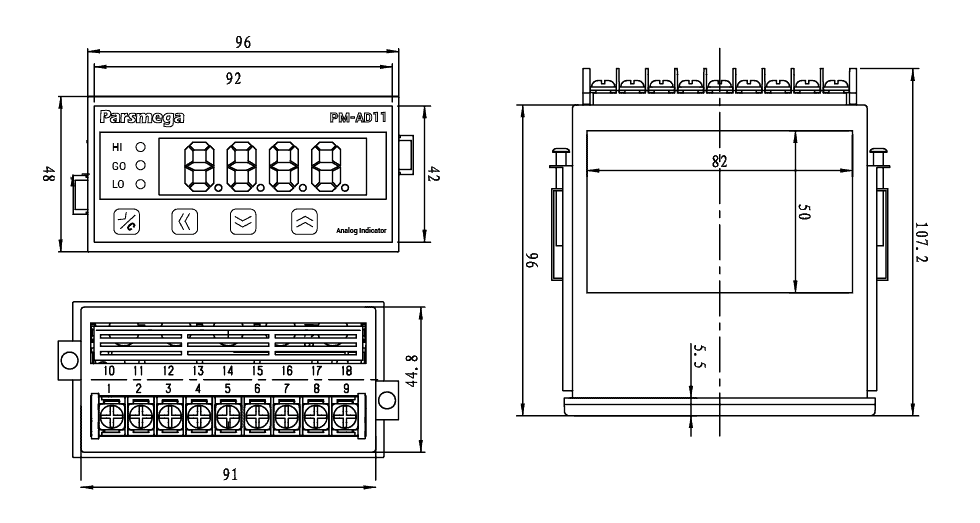
All three support 0–10 V, 0–5 V, 0–20 mA and 4–20 mA analogue inputs, plus a resistive linear position sensor.
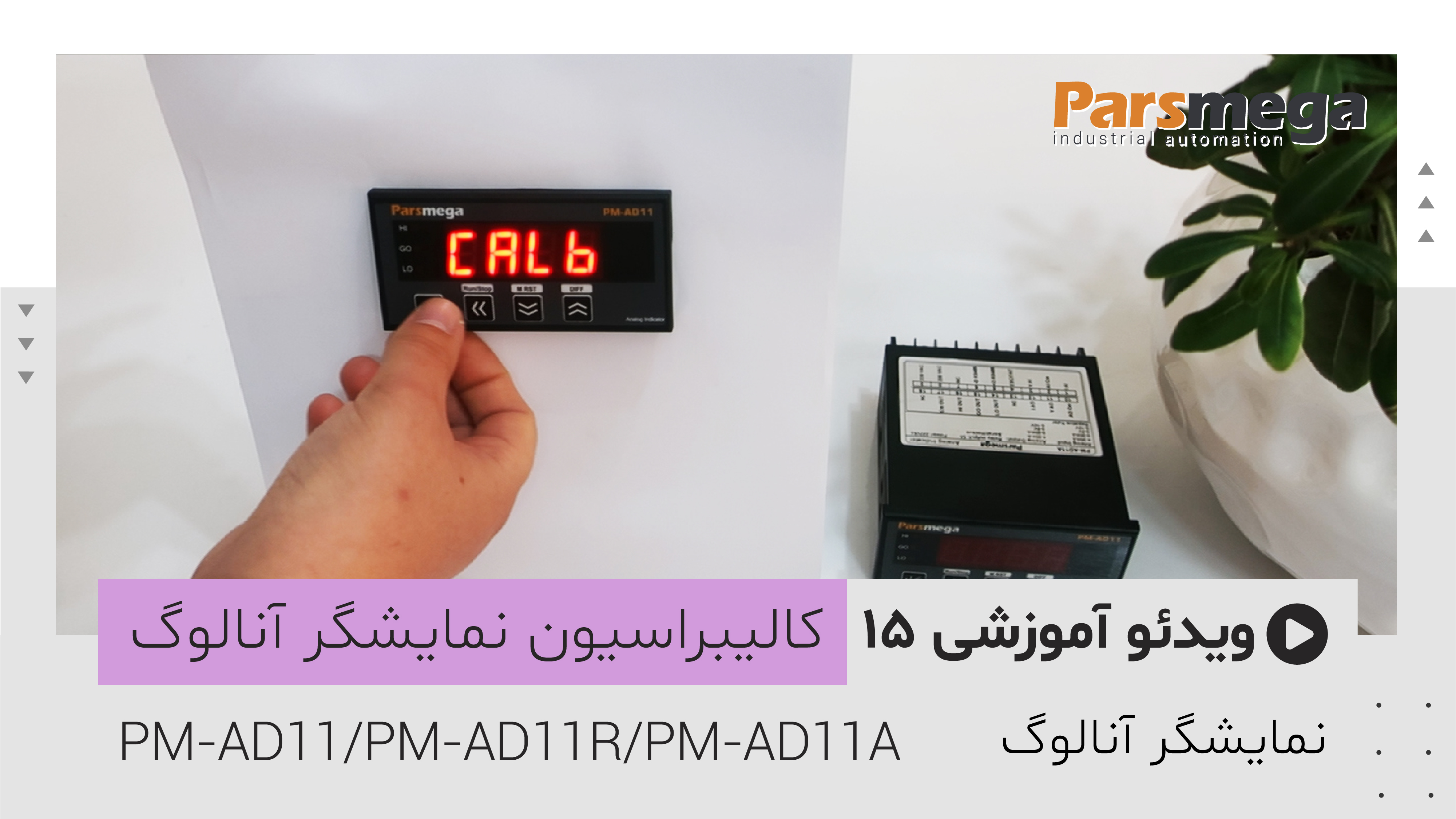
The PM-AD11 sends data over RS485 Modbus only. It has no relay or analogue output.
The PM-AD11R adds three relay outputs alongside RS485 Modbus. It has no analogue output.
The PM-AD11A provides a standard analogue output in addition to RS485 Modbus and three relay outputs.
All three models can be ordered with either a 24 V DC or a 220 V AC supply. Specify the required supply when ordering.
An English manual is not available for this product yet.

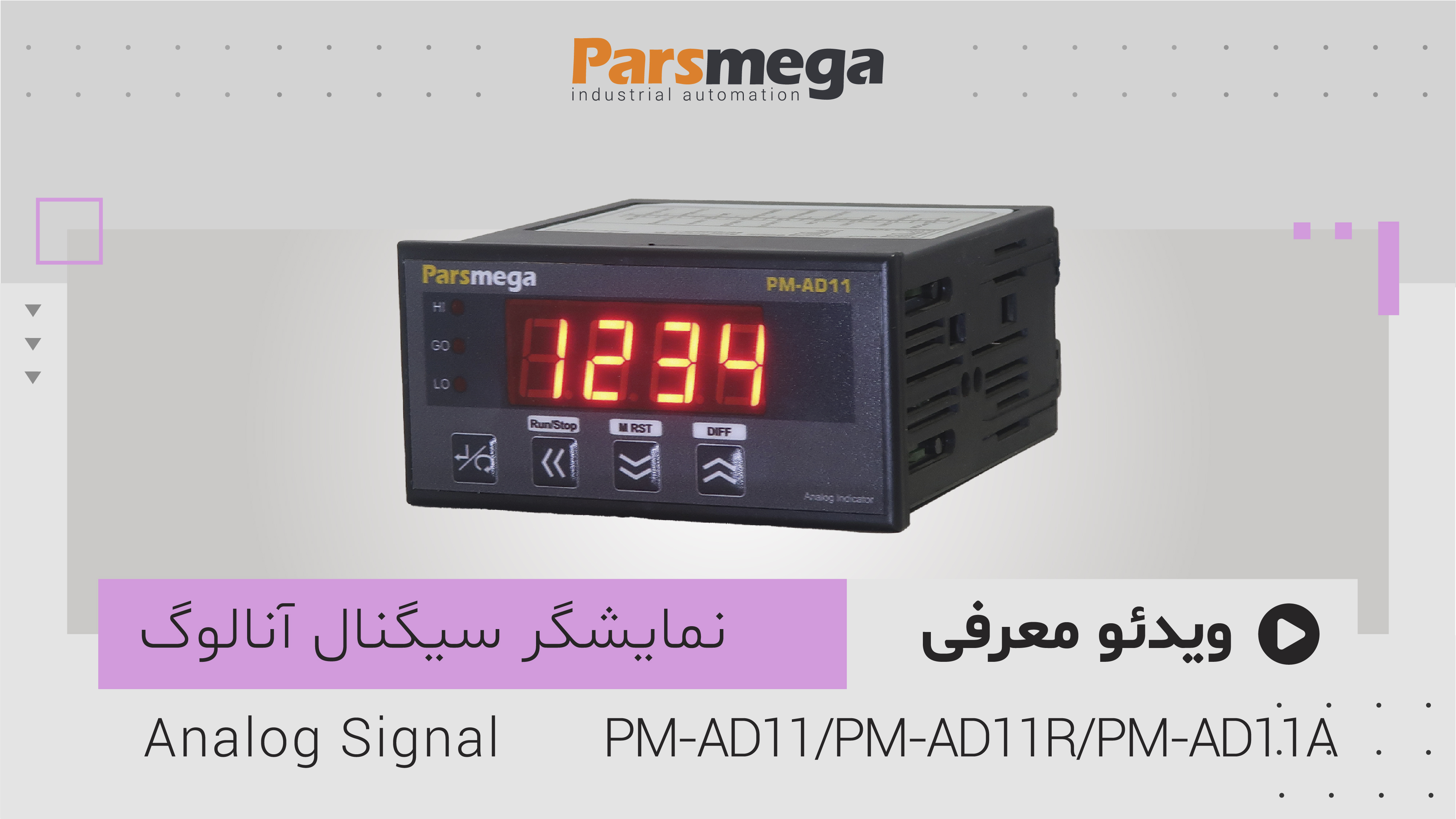
PM-AD04
4 independent analogue output channels
RS485 communicationModbus RTU communicationIsolationAnalogue outputPM-AD11
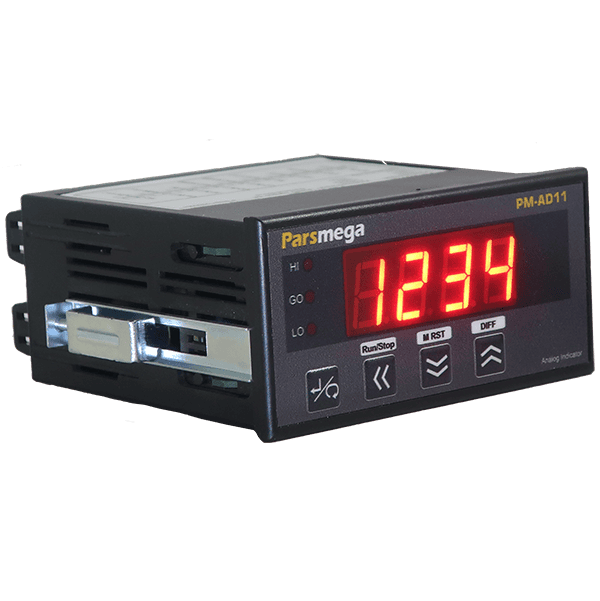
Analogue and resistive position sensor inputs; RS485 Modbus is the only output on this model.
RS485 communicationModbus communicationAnalogue inputPM-AD11A
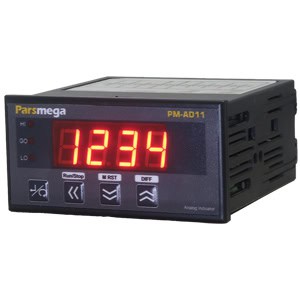
Analogue and resistive position sensor inputs, RS485 Modbus, three relay outputs and a standard analogue output.
RS485 communicationRelay outputIsolationAnalogue inputAnalogue output