


 Reading time: 2 min
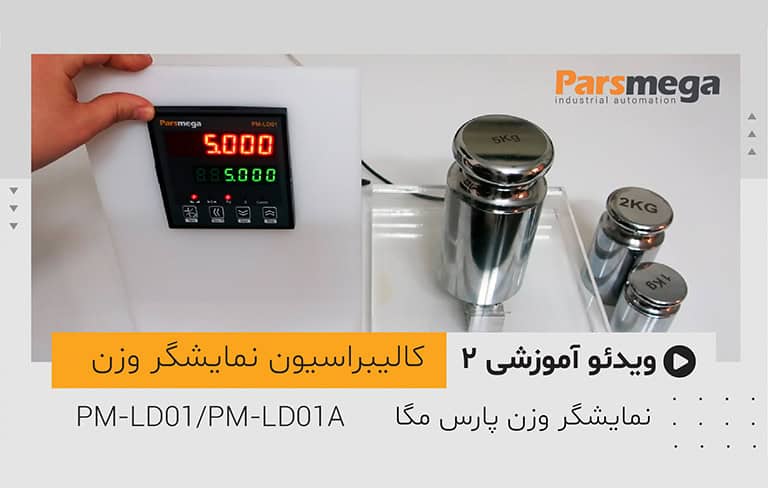
Calibration checks and adjusts a measurement system against a suitable reference. This guide accompanies Parsmega’s weight indicator calibration demonstration. Follow the manual for the particular device and application.
The source describes two modes selected through Cal md:
Cal md = 0: automatic calibration from load cell dataCal md = 1: reference-weight calibration
Automatic calibration from load cell data
Use the individual calibration sheet supplied with the load cell, normally identified by its serial number. Enter:
LC Sen: sensitivity, also described as Full Scale Output or R.O., in mV/V. Enter the stated value accurately.LC Cap: rated load cell capacity, normally shown as Capacity.
For one load cell, use its own sensitivity and capacity. For multiple connected load cells, the source instructs using the mean sensitivity and total capacity. The indicator discussed supports up to six parallel load cells.
For example, two 50 kg load cells with sensitivities of 2.02 mV/V and 2.01 mV/V give:
LC Sen = (2.02 + 2.01) / 2 = 2.015LC Cap = 50 + 50 = 100
Enter these values to perform the source’s automatic calibration procedure.
Reference-weight calibration
Use a reference load of known mass. The source recommends a weight greater than 25% of the load cell capacity or maximum measurement range, but its worked example uses exactly 25 kg for a 100 kg load cell. Confirm the required minimum in the applicable manual.
- Remove the load and zero the indicator. In the calibration menu, edit
ZEROso the second-row value flashes, then hold Enter for three seconds until the save-success message appears. - Place the known reference weight on the platform. In the source’s 25 kg example, set
Cal wtto25.000, then hold Enter for three seconds to save.
The source states that calibration is complete after the settings are saved.